
Every Zoho migration we've run has the same failure mode waiting in the wings: the day you cut over is the day the business finds out what you forgot.
Teams underestimate how much institutional knowledge is buried in spreadsheet formulas, ad-hoc email workflows, and one person's memory of "how invoicing actually works." A migration plan that only accounts for data, not process, breaks on day one.
The technical migration — moving records from system A to system B — is usually the easy 20%. The other 80% is everything nobody wrote down: the exception a salesperson always makes for one client, the manual approval step finance added after an incident two years ago, the report a director checks every Monday that lives nowhere official.
Run parallel before you cut over
We never flip a switch. Every migration we run keeps the legacy system live alongside Zoho until every department has validated a full operating cycle — a full sales cycle, a full billing cycle — inside the new system.
This costs more calendar time than a hard cutover, and it's worth every day of it. A parallel run surfaces the mismatches — a field that maps differently than expected, a workflow that quietly depended on a spreadsheet macro — while the old system is still there as a safety net.
Migrate data in the order people touch it
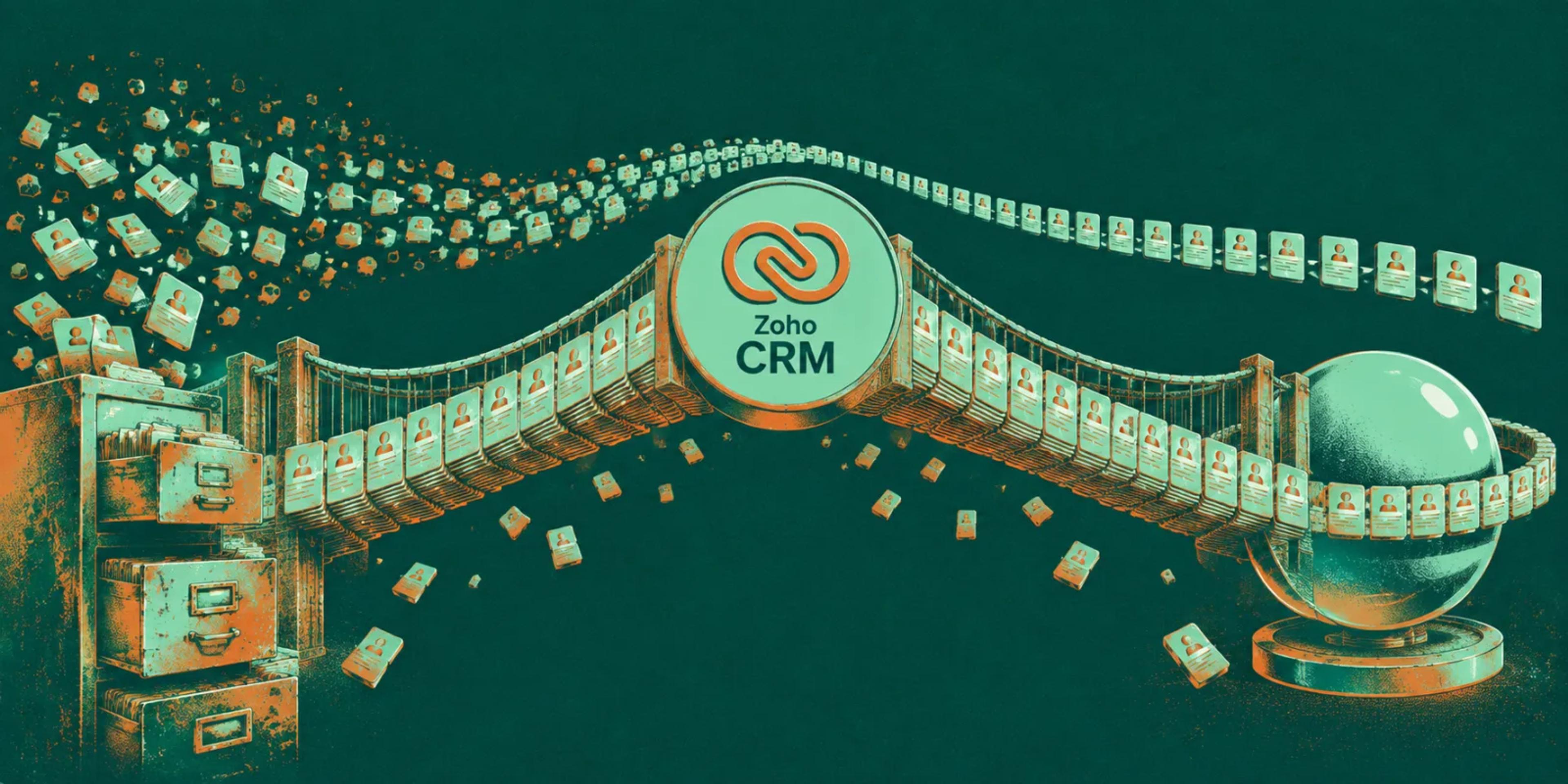
Contacts and accounts first, since almost everything else references them. Then whatever the team touches daily — deals, invoices, tickets — and historical data last, because nobody needs last year's closed deals on day one.
This ordering also front-loads the riskiest validation work. If contact and account data is wrong, everything built on top of it inherits the error — better to catch that in week one than after five departments have started working from it.
The migration isn't done when the data lands. It's done when someone runs their actual Tuesday inside the new system without asking for help.
What actually breaks during cutover
Almost never the data itself — Zoho's import tooling is solid. What breaks is everything adjacent to the data: an email automation firing off the old system's trigger, a Zapier integration still pointed at the legacy API, a custom report a manager built once and forgot existed until it stopped updating.
We keep an explicit checklist of every integration touching the legacy system before migration starts, specifically so cutover day doesn't become a scavenger hunt for what just silently stopped working.
Automate the manual re-entry immediately
The fastest way to lose team trust in a new system is to make it feel like extra work. We prioritize automations that remove double entry — even small ones — in the first week live, before tackling anything more ambitious.
Permissions are where migrations quietly fail
Legacy systems accumulate permission exceptions nobody remembers granting — a finance user with admin rights from a project two years ago, a support rep who can see payroll because someone needed a quick fix once. None of that transfers cleanly, and none of it is written down anywhere you can just export.
We rebuild the permission model from actual job function rather than copying the old access list, because copying it just migrates the mess into a newer system with a nicer interface. It takes longer up front. It's also the only way cutover day doesn't become the day someone discovers they can suddenly see the entire company's invoices.
The rollback plan nobody wants to write
Every migration plan we write includes an explicit answer to "what does day one look like if this goes wrong," even though nobody wants to spend time planning for a scenario they're trying to prevent. Having that answer in writing, agreed before cutover, is what keeps a bad day from turning into a bad week.
In practice it's rarely used. But the exercise of writing it — deciding in advance which systems keep running in parallel for how long, and who has authority to call a rollback — surfaces assumptions that would otherwise only get tested during an actual outage, in front of the people it affects most.
We'll map your integrations and risk points before you commit to a cutover date.
Training beats documentation
A migration guide nobody reads is worth less than twenty minutes sitting with each department while they run their actual job in the new system. We schedule that time deliberately rather than assuming a Notion page will do the job — it won't, and by the time you find out, the team has already decided the new system is "worse."
Done this way, a Zoho One rollout stops being a disruptive event and becomes something closer to invisible — which is exactly what good infrastructure should be.